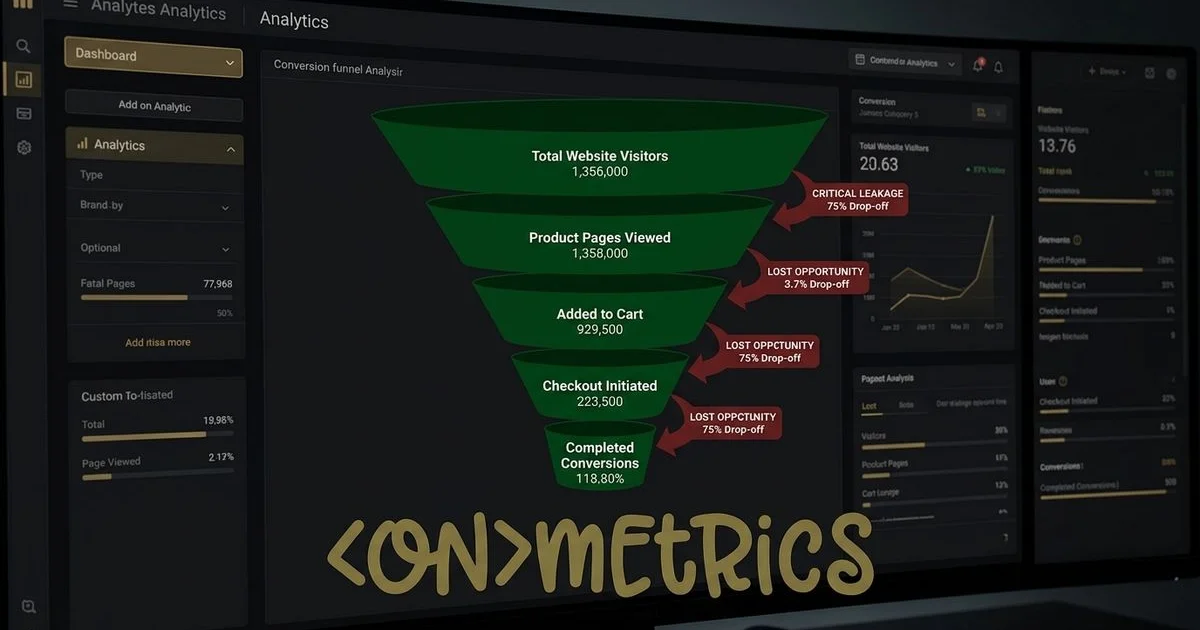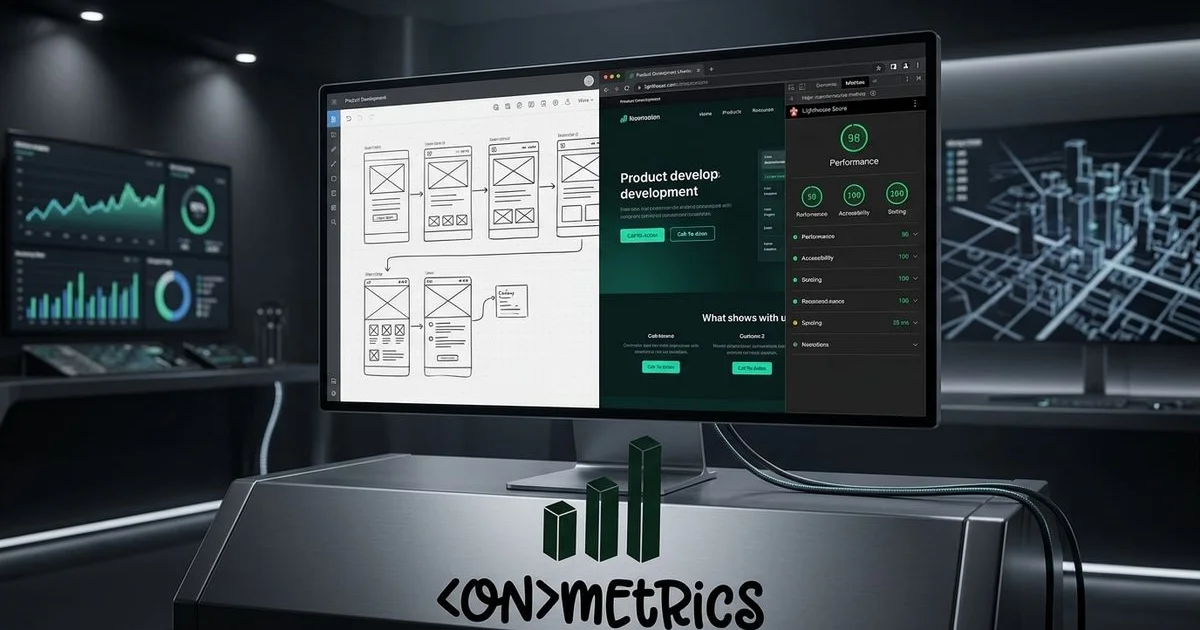
You know how exciting a fresh coat of paint feels on a property. A digital renovation often sparks that same initial thrill for business owners and property managers looking to attract new clients. We have seen companies pour tens of thousands of dollars into gorgeous new layouts that actually convert worse than their outdated predecessors.
This happens because the underlying foundation gets ignored during the transition. Recent industry data shows that botched migrations can cause a 30% drop in organic traffic almost overnight. Our professional service team has spent years guiding clients through these exact transitions to prevent those losses.
Those lost rankings translate directly into missing revenue.
We are going to break down the specific preparation steps required to protect your digital equity. Let us look at the 15 crucial actions you must take before, during, and after your launch to ensure measurable growth.
Before You Touch a Single Wireframe
1. Define Clear Goals and KPIs
Before you start picking paint colors and layouts, you must define what success looks like. Are you trying to increase lead form submissions by 30%? Perhaps you need to reduce your bounce rate or improve time on page. Your goals should be specific, measurable, and tied directly to business outcomes.
Our team always starts redesign projects by establishing concrete performance baselines. You cannot measure improvement if you do not know where you started. A 2026 B2B report from Martal Group shows that 92% of buyers start with at least one vendor in mind. Your new site must capture that initial intent effectively.
2. Audit Your Current Site Performance
Pull data from Google Analytics 4, Google Search Console, and your CRM. You must identify your top-performing pages by traffic, conversions, and revenue. We recommend documenting the exact performance metrics for these critical assets:
- High-Traffic Blog Posts: Preserve their exact URL structures to maintain organic rankings.
- Lead Generation Forms: Note the current conversion rates to establish a clear baseline.
- Product Categories: Track the specific revenue generated by each major section.
These pages need absolute protection during the transition. Their URLs, content structure, and internal linking should be preserved or improved. Document your worst-performing pages as well. A redesign serves as a perfect opportunity to consolidate thin content or remove useless pages.
3. Map Every Existing URL
Many development teams skip this crucial step, causing massive damage. Create a complete spreadsheet of every URL on your current site. Our data experts use dedicated crawling software to guarantee nothing gets missed. Two of the most effective tools for this job offer distinct advantages:
- Screaming Frog: This desktop application delivers lightning-fast raw data extraction, making it perfect for massive enterprise sites.
- Sitebulb: This tool excels at generating visual crawl maps and stakeholder-friendly audit reports, which simplifies complex technical data.
For each URL, document the page title, meta description, canonical tag, and any internal links. This map becomes the exact foundation for your redirect plan.
4. Plan Your 301 Redirect Strategy
Every URL that changes needs a permanent 301 redirect from the old location to the new one. This preserves the search equity those pages have built over years. We have watched a single missing redirect create a frustrating 404 error for Google. Any rankings that page held will start to erode immediately.
Map old URLs to new URLs one-to-one wherever possible. Avoid redirect chains, such as pointing A to B, and then B to C. Never use 302 temporary redirects for permanent structural changes.
5. Conduct a Content Audit
Review every piece of content with fresh eyes. Does each page serve a clear purpose in your customer journey? A 2026 report from Martal Group shows that 81% of B2B buyers now prefer interactive or highly visual content over static pages.
We use this data to justify replacing dense text blocks with engaging media during a rebuild. A redesign is the ideal time to refresh outdated material and merge overlapping topics. For guidance on creating content that actually drives conversions, check out our approach to web design that balances aesthetics with performance. This simple step fills the engagement gaps you might have been ignoring.
Design and Development Phase
6. Design Mobile-First
Over 60% of web traffic in Canada comes from mobile devices. Google exclusively uses mobile-first indexing, meaning it primarily evaluates the smartphone version of your site for ranking purposes. Our team often catches developers making the mistake of starting with a desktop layout and squeezing it down.
You must start with the smallest screen and progressively enhance for larger viewports. A late 2025 report from the Canadian Telecommunications Association revealed that average mobile data usage in Canada reached 11.0 GB per month per user. This 15% annual increase proves that consumers are relying heavily on their phones for intensive browsing. Make every interactive element easily tappable and ensure text is readable without zooming.
7. Optimize for Core Web Vitals
Google’s Core Web Vitals are confirmed, highly critical ranking factors. Search engines use these metrics to measure real-world user experience. We prioritize these specific benchmarks during every technical build:
| Metric | What It Measures | 2026 Goal |
|---|---|---|
| LCP | Loading speed | Under 2.5 seconds |
| INP | Interactivity | Under 200ms |
| CLS | Visual stability | Under 0.1 |
These are not just technical SEO metrics. They directly correlate with your actual conversion rates. Amazon recently confirmed that just a 100ms delay in load time costs them 1% in sales. You must optimize your largest above-the-fold elements and minimize heavy JavaScript execution.
8. Implement Proper Schema Markup
Structured data helps search engines understand your content clearly. This code can earn you highly visible rich snippets in the search results. Our developers always implement LocalBusiness schema at a bare minimum.
You should also include FAQ schema on relevant pages and BreadcrumbList schema for navigation. If you operate a service-based business in London, Ontario, proper schema markup can significantly improve your visibility in local map packs. Learn more about how structured data fits into a broader SEO strategy to maximize your local reach.
9. Build Accessibility Into the Foundation
You must bake accessibility into your design system right from day one. The Accessible Canada Act and Ontario’s AODA mandate strict compliance with the Web Content Accessibility Guidelines. We always remind clients that corporate fines for non-compliance can reach up to $100,000 per day.
Your new site must meet the updated WCAG 2.2 AA standards. This 2026 benchmark includes specific, mandatory criteria for accessible authentication and drag-and-drop functionality. Ensure sufficient color contrast ratios of at least 4.5:1 for body text. Add descriptive alt text to every single image.
10. Set Up Conversion Tracking Before Launch
Do not wait until after your launch to figure out your tracking setup. You need to define every single conversion action before the site goes live. Our analysts rely heavily on Google Tag Manager to capture these exact interactions accurately.
Standard GA4 setups do not automatically track custom button clicks or complex eCommerce checkout steps. You must create specific Event Tags in GTM and use dynamic Data Layer Variables to pass accurate transaction values. At ONmetrics, we use ONclix to implement multi-touch attribution tracking from day one. This ensures you have accurate data on which channels drive real business results immediately after launch.
Launch and Post-Launch
11. Test Everything in a Staging Environment
Never push a redesign live without rigorous staging testing. You must check every page on multiple devices and browsers to catch hidden formatting errors. Our developers run quality assurance checks on all forms, call-to-action buttons, and interactive elements. Verify that all your GA4 and GTM analytics tracking fires correctly in preview mode. Run a Lighthouse audit in Chrome DevTools to identify and fix any performance bottlenecks before going live.
12. Submit Your Updated Sitemap
After launch, submit your new XML sitemap to Google Search Console immediately. This action directly signals to Google that your site architecture has changed. We rely on this step to accelerate the rapid crawling of all newly generated URLs. A fresh sitemap ensures search engines do not waste time crawling your outdated, redirected pages.
13. Monitor Search Console Daily for Two Weeks
The two weeks following a launch are highly critical. Watch Google Search Console daily for crawl errors, indexing issues, and ranking fluctuations. Our SEO specialists know that some temporary ranking movement is completely normal. Investigate immediately if you see significant drops on high-value pages. You might have a broken redirect or a mistakenly deleted page causing the sudden issue.
14. Validate All Redirects Are Working
Use your crawling tool to verify that every 301 redirect functions correctly in the live environment. Check specifically for redirect chains, endless redirect loops, and any old URLs returning 404 errors. We make this an absolute priority if the core URL structure changed significantly. Catching these technical errors early prevents long-term damage to your organic visibility.
15. Compare Performance Against Your Benchmarks
After 30 days, pull your fresh key performance indicators. Compare these new numbers directly to the benchmarks you established in step one. Our team looks closely at lead submissions, organic traffic stability, and bounce rate improvements. Do not panic if a specific metric is not performing exactly as expected. Investigate the data closely. The numbers will tell you exactly where to focus your ongoing optimization efforts.
The Bottom Line
A digital facelift should accelerate your growth, not sabotage it.
Preparation remains the clear dividing line between a profitable launch and a costly recovery mission. We know that managing a business in London, Ontario or Southwestern Ontario requires your full attention.
If you are planning a redesign, having a data-driven partner makes the process significantly smoother. Get in touch with ONmetrics to discuss how our team approaches redesign projects that protect your SEO investment while improving conversions.